Cron Job Monitoring & Missed Job Alerts
Cron jobs fail quietly: the app looks “up,” but backups, imports, and reports stop running. UpDog helps you catch that gap by alerting you when a job doesn’t check in on time.
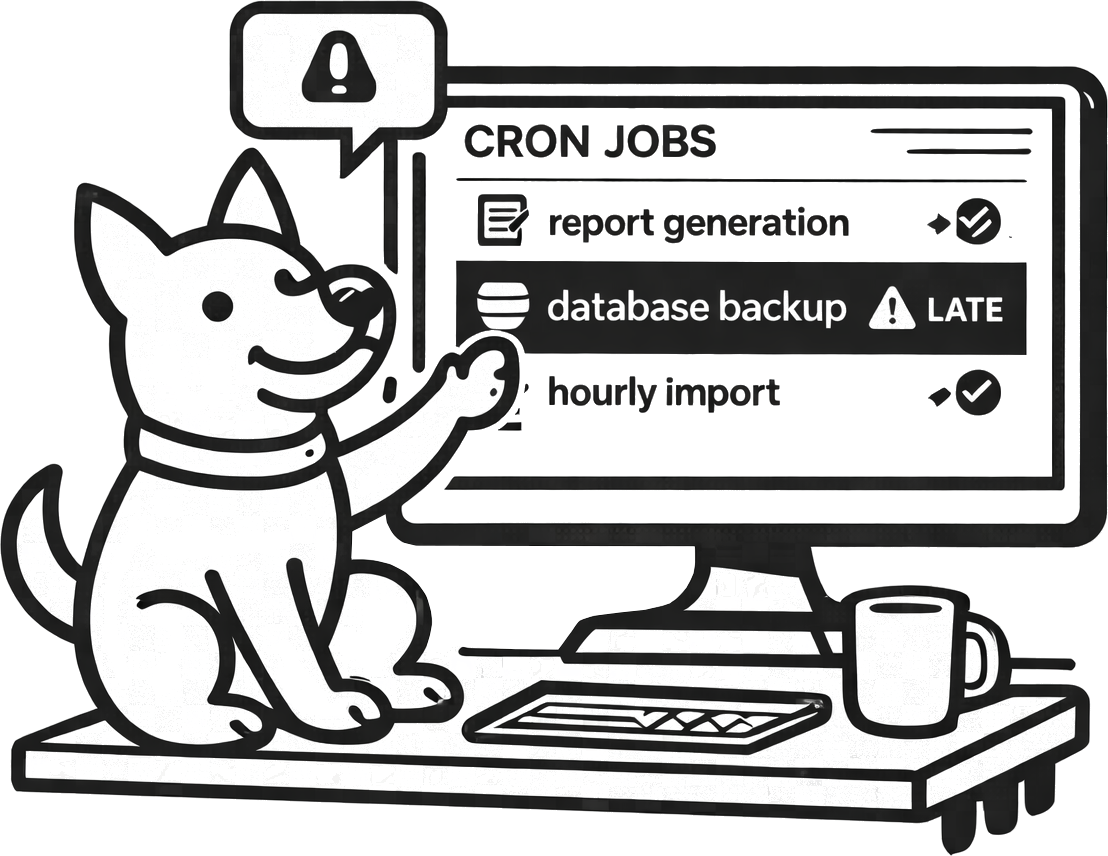
What is cron job monitoring?
Cron job monitoring is a way to verify that scheduled work actually happens on schedule. Instead of asking “is the server up?”, you ask “did the job run when expected?”
With a cron monitor, success means the job checked in within the expected interval. Failure means it didn’t check in at all (missed run) or checked in later than expected (late run). This is how you detect broken backups, stuck workers, and silent pipeline failures before the next human notices missing data.
Heartbeat monitoring (the simple pattern)
UpDog’s cron monitoring uses a simple check-in (heartbeat) pattern: your job pings a unique URL when it completes. UpDog expects that check-in at the frequency you set. If the heartbeat is missing or late, UpDog sends an alert.
In UpDog, you create a Check-in monitor, copy the ping URL, and call it from your cron job. UpDog accepts a GET or POST request to the ping endpoint—keep it boring and reliable.
Example (curl)
Ping the URL when the job finishes successfully.
curl -fsS "https://app.updog.watch/monitoring/api/check-in/<check_in_uuid>/" \
  || true
Example (bash + cron)
Run your job, then check in if it succeeds.
0 2 * * * /usr/local/bin/nightly_backup.sh \
  && curl -fsS "https://app.updog.watch/monitoring/api/check-in/<check_in_uuid>/" || true
If you prefer, you can ping from your application code (Python, Node, Go, etc.). The key is consistency: a check-in should happen once per successful run.
Common cron jobs worth monitoring
If a job matters to customers, cash flow, or recoverability, it’s a good candidate. Teams typically start with these:
- Database backups
- Nightly ETL / import jobs
- Scheduled report generation
- Invoice processing / billing runs
- Cache warming / sync jobs
Alert on missed runs and late runs
Cron failures come in two flavors:
- Missed run: the job never checks in. Maybe the machine rebooted, the scheduler stopped, or the job crashed early.
- Late run: the job checks in, but outside the expected time window. This often points to slow dependencies, queue backlogs, or resource pressure.
In UpDog, you configure the expected schedule by setting an expected interval (every 5 minutes, hourly, daily, etc.). To reduce noise, you can set a tolerance window (grace period) so “a little late” doesn’t become an incident.
Every 5 minutes
Expected interval: 5 minutes. Grace: 1–2 minutes. Great for queues, syncs, and near-real-time pipelines.
Nightly
Expected interval: 1440 minutes. Grace: 30–60 minutes. Great for backups and daily rollups.
Why cron monitoring catches issues uptime can’t
Uptime checks are necessary, but they don’t tell you if background work is healthy. Cron monitoring helps you catch problems like:
- Silent failures where the web app responds, but the scheduler/worker isn’t running
- A stuck queue: the process is “up,” yet jobs never complete
- Permission changes that break backups or exports
- Expired tokens / rotated credentials that stop third‑party syncs
- Disk full or out-of-memory events that crash long-running jobs
How to set it up
- Create a check-in monitor (give it a clear name and choose the expected frequency).
- Add the heartbeat: call the ping URL at the end of the job (only after successful completion).
- Choose alerts: route notifications to the channels your team actually responds to (email, SMS, and supported chat/on-call integrations).
That’s it. The best cron monitoring setup is the one your team can roll out quickly and maintain without ceremony.
FAQ
<env> / <service> / <job> (for example, prod / billing / nightly-invoices). Consistent naming keeps alerts scannable during incidents.
Related features
Cron monitoring works best alongside the basics. If you’re building a simple reliability stack, start here:
- Uptime monitoring for websites and APIs
- Response time monitoring to catch slowdowns
- DNS monitoring for record changes and drift
- SSL monitoring for certificate expiry alerts
- Status pages to communicate incidents clearly
- Alerting integrations (email, SMS, chat, webhooks)
Framework-specific guides
See how to set up heartbeat monitoring for popular schedulers:
Start catching missed cron runs
Set up a check-in monitor, add one ping to your job, and get alerted when critical work doesn’t happen.
Start Monitoring