Ping Monitoring & ICMP Uptime Alerts
HTTP checks are great for websites — but sometimes you just need to know whether a host is reachable. UpDog pings your host and alerts when it stops responding (and when it recovers).
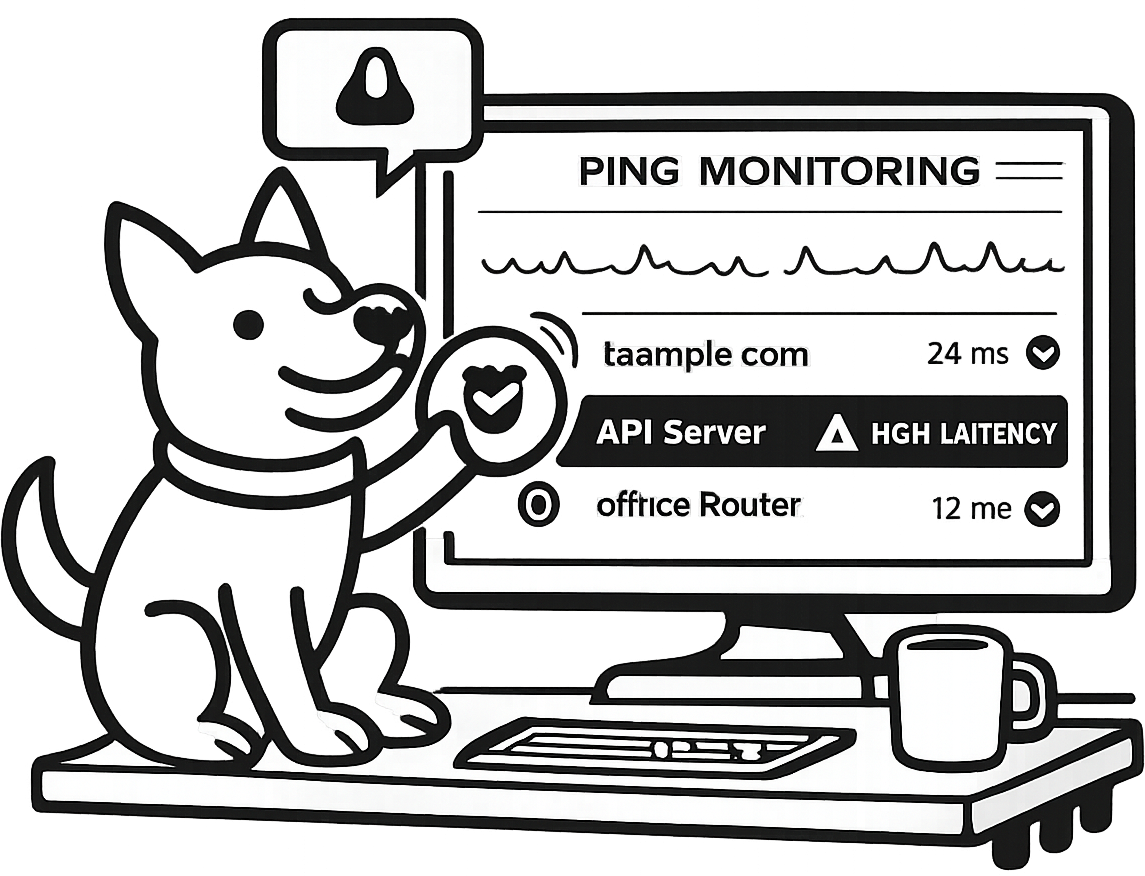
What is ping monitoring?
Ping monitoring uses ICMP echo requests (the classic “ping”) to test whether a host can be reached over the network. It’s a fast, lightweight way to answer a simple question: can we reach this machine right now?
It’s important to treat ping as a reachability signal — not an application health check. A host can reply to ICMP while your web server is down, and a site can serve pages while ICMP is blocked. That’s why ping works best as part of a small set of complementary checks.
What UpDog measures
UpDog runs ICMP ping checks on the schedule you choose and records results over time. For each target, you’ll see:
- Host up/down: whether the host is reachable or unreachable.
- Latency (RTT): round-trip time from the ping check, tracked over time.
UpDog does not report packet loss on the ping monitoring page. If you need packet-loss percent specifically, you’ll typically pair monitoring with network tooling — and still keep ping alerts for fast “something changed” signal.
What common failures look like
- Timeouts: the request goes out but no reply comes back in time (often packet drops, filtering, congestion, or a host that’s overloaded).
- Unreachable: the network can’t route to the host (often a routing change, gateway issue, or host/network down).
- High RTT: the host is reachable but latency is elevated (often early warning of saturation or regional network issues).
When to use ping vs HTTP monitoring
Use ping monitoring when you care about network/host reachability. Use HTTP monitoring when you care about service availability — status codes, redirects, and (optionally) content checks.
Ping monitoring (ICMP)
- Routers, gateways, and VPN endpoints
- Bare servers and internal hosts
- Private infrastructure where HTTP doesn’t exist (or shouldn’t)
HTTP monitoring
- Websites and landing pages
- APIs (health endpoints + real user paths)
- “Is it working?” checks: status codes + response time
Practical pattern: monitor both. Ping tells you when a host becomes unreachable. HTTP tells you when your service is actually failing — even if the host is up.
Catch network issues early
Ping checks won’t diagnose every incident, but they do surface the “something changed” moments quickly — especially when the problem is below the application layer.
- ISP outage / upstream routing issue: the host looks unreachable from the outside, even though it’s still powered on.
- Firewall rules changed: a security group update drops ICMP or blocks return traffic.
- Host powered off / hypervisor problem: the machine disappears and doesn’t respond at all.
- DDoS mitigation / rate limiting: some defenses drop ICMP, which can create false negatives (ping down while the service still works).
- Regional connectivity issues: latency rises or timeouts appear intermittently, often before you see total failure.
Set smart alerts (avoid flukes)
Alerting on a single missed ping is an easy way to create noise. UpDog reduces flukes by requiring multiple consecutive failed checks before sending a down alert.
You’ll also get alerted on recovery, so you know when the host becomes reachable again — without having to keep refreshing dashboards.
A simple mental model
Treat ping alerts as “network reachability changed.” If the host is down, you can quickly pivot to HTTP/port checks to answer “is the service down too, or is ICMP blocked?”
How to set up ping monitoring
- Enter an IPv4 address or hostname for the host you want to monitor.
- Choose a check interval that matches how quickly you need to know (UpDog uses a fixed timeout under the hood).
- Pick alert channels — email and SMS — so the right people get “down” and “recovered” notifications.
Best practices
- Prefer hostnames when appropriate: if IPs change (cloud instances, failovers), a hostname can keep monitoring stable.
- Whitelist ICMP when needed: many networks drop ping by default — open it intentionally (or rely on HTTP/port checks).
- Monitor both reachability and service health: pair ping (host/network) with HTTP monitoring and/or port monitoring (service).
FAQ
Related features
Build a simple, layered monitoring setup that tells you both “reachable?” and “healthy?”
- Uptime monitoring (HTTP) for status codes and availability checks.
- Response time monitoring to catch slowdowns and latency spikes.
- Port monitoring for TCP service reachability (SSH, Postgres, HTTPS, etc.).
- DNS monitoring to detect record changes that can reroute traffic.
- SSL monitoring for certificate expiry and TLS connection failures.
- Alerts, notifications, and integrations to route incidents to the tools you already use.
- Status pages to share incidents and uptime publicly when needed.
Get ping alerts without the noise
Add a host, pick an interval, and get “down” + “recovered” alerts when reachability changes — with RTT history to help you debug what happened.