Monitor Laravel scheduler jobs
Laravel’s scheduler is great—until it silently stops running. UpDog heartbeat monitoring gives you uptime-style alerts when schedule:run doesn’t check in on time.
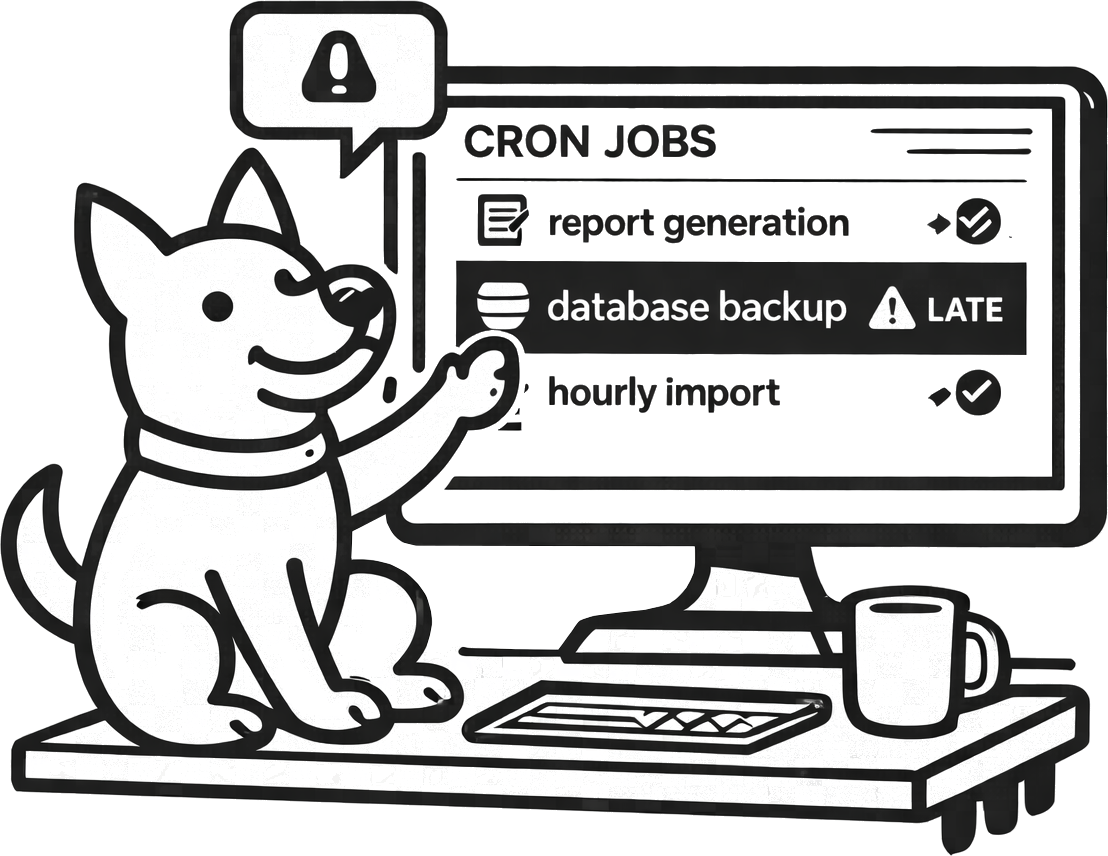
What you can do with UpDog + Laravel Scheduler
Laravel scheduled tasks fail in boring ways: cron stopped, the server is out of disk, a deploy removed the cron entry, permissions changed, queue workers stalled, or a dependency started timing out. The common theme is silence.
- Detect missed schedule runs when the underlying cron or container scheduling breaks.
- Catch “running late” problems when queue or dependency latency delays scheduled work.
- Monitor critical jobs individually by creating separate heartbeats per scheduled command.
How to set it up (step-by-step)
- Create a heartbeat monitor in UpDog for your scheduler (pick the expected interval and add a grace window).
- Copy the UpDog check-in URL.
- Update the cron entry that runs
php artisan schedule:runto ping UpDog after it completes successfully. - Send alerts to the right channel (email by default; Slack/Teams for coordination; SMS/on-call for critical workflows).
- Run
schedule:runonce manually and confirm UpDog records a check-in.
Example cron entry (ping after success)
* * * * * cd /var/www/app && php artisan schedule:run \
  && curl -fsS https://updog.watch/heartbeat/your-check-in-url
Exact paths will vary. The important part is: ping only after success.
Best practices
Start with one scheduler heartbeat
Monitoring schedule:run is the fastest win. Add job-level heartbeats only for the handful of tasks that are business-critical.
Separate prod and staging
Staging schedules are noisy and often paused. Keep production alerts clean by separating environments into different monitors and notification routes.
Route urgent jobs differently
A missed “send marketing email” job can be email. A missed “invoice customers” job might be SMS/on-call. Route accordingly.
Troubleshooting
- UpDog shows missed check-ins: verify the cron is running and that the ping executes after a successful command.
- Intermittent misses: check timeouts, DNS resolution, and server egress rules from your Laravel host.
- Everything is late: that’s usually a performance issue—queue backlog, DB contention, or a slow dependency.
- Deploy caused alerts: confirm your deploy didn’t remove/overwrite the system cron entry.
FAQ
How do I monitor Laravel scheduler jobs?
Use UpDog heartbeat monitoring and ping after schedule:run completes successfully.
Where should I add the heartbeat ping in Laravel?
Add it to the system cron that runs schedule:run, or add per-job heartbeats for critical scheduled commands.
How do I avoid noisy alerts for Laravel scheduled tasks?
Use a grace window, alert only on real lateness, and page only for urgent jobs.
Can I monitor individual scheduled commands?
Yes—create a heartbeat monitor per critical command and ping on success.
What’s the best alert channel for Laravel scheduler failures?
Email for baseline, Slack/Teams for coordination, and SMS/on-call for the most critical jobs.
Related features
Related use cases
- Celery Beat monitoring – Python background task monitoring
- Kubernetes CronJob monitoring – K8s scheduled job monitoring
- Heartbeat monitoring – General cron job and worker monitoring
- All use cases
Get Laravel scheduler alerts before customers notice
Add one heartbeat ping and you’ll know when the schedule breaks.