Email alerts for uptime monitoring
Send uptime alerts by email to a person, a shared inbox, or a whole team. Email is the fastest way to start—and it still works when chat tools are having a bad day.
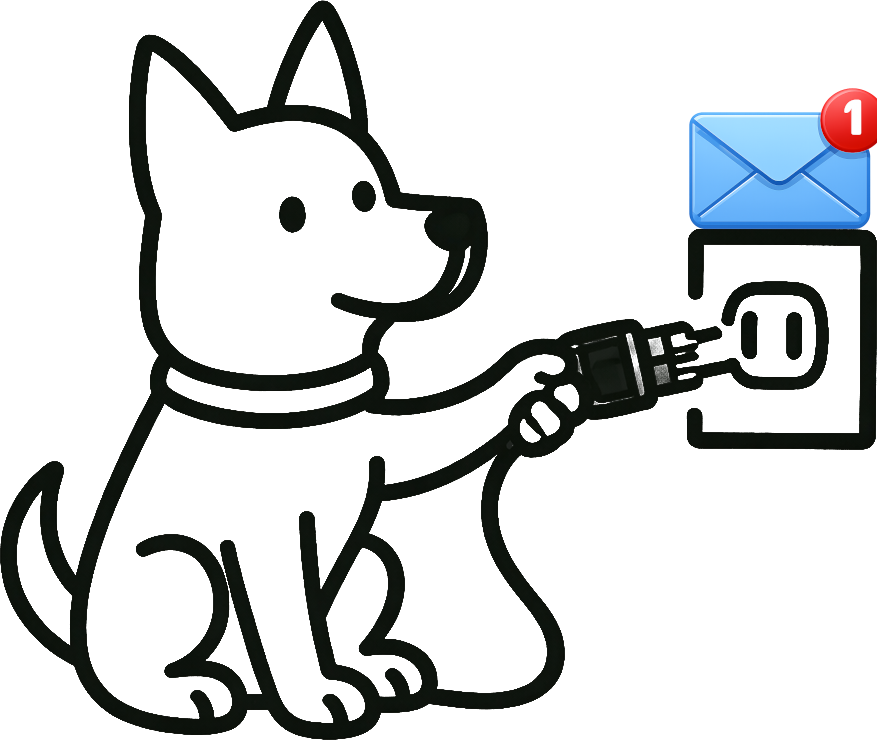
How UpDog + Email works
Email is the simplest way to ensure uptime alerts reach the right people, even when chat tools are down. Route by team and severity, keep subject lines predictable, and include one link back to investigation context.
What the alert includes
- Monitor name + environment
- Down/recovery state change and timestamp
- One link back to UpDog for the timeline and check details
Where teams send it
- Shared ops inbox for production incidents
- DLs by ownership (frontend, API, infra, support)
- Separate recipient groups for staging/dev
What you can do with UpDog + Email
- Send email uptime alerts to individuals, shared inboxes, or distribution lists.
- Route by importance so only high-signal monitors notify the whole team.
- Keep the context actionable with clear timestamps and an investigation link.
How to set it up (step-by-step)
- Create your first monitor in UpDog.
- Create an alert for that monitor.
- In the alert modal, choose Email as the destination.
- Add the recipient(s): personal email, shared ops inbox, or a distro.
- Save and send a test alert to confirm it doesn’t land in spam/quarantine.
Best practices
Use a shared inbox for production
A shared inbox gives you continuity: if one person is offline, the alert still reaches the team and stays searchable.
Separate prod vs non-prod
Keep staging/dev alerts in a different recipient group so production incidents don’t get buried.
Pair email with real-time channels
Email is reliable. Slack/Teams is fast. SMS/on-call is urgent. Use the right channel for the right severity.
Troubleshooting
- Emails go to spam: allowlist the sender domain and route to a shared inbox with filters.
- Wrong recipients: verify the email list/group and which monitors map to it.
- Too many emails: route fewer monitors or tune check intervals/retries to reduce flapping.
- No emails received: confirm the recipient address is correct and test with a known event.
FAQ
Related features
Other integrations
Build your alert stack:
- Slack – Team coordination during incidents
- SMS – Urgent alerts that wake people up
- PagerDuty – On-call escalation
- Webhooks – Custom automation
- All integrations
Start monitoring for free
Set up email alerts first, then add chat/on-call routes as you grow.
Start free