Port Monitoring & TCP Port Alerts
Websites aren’t the only thing that break—ports do. UpDog checks whether a TCP port is reachable and sends alerts when it’s not, so you can catch service failures early.
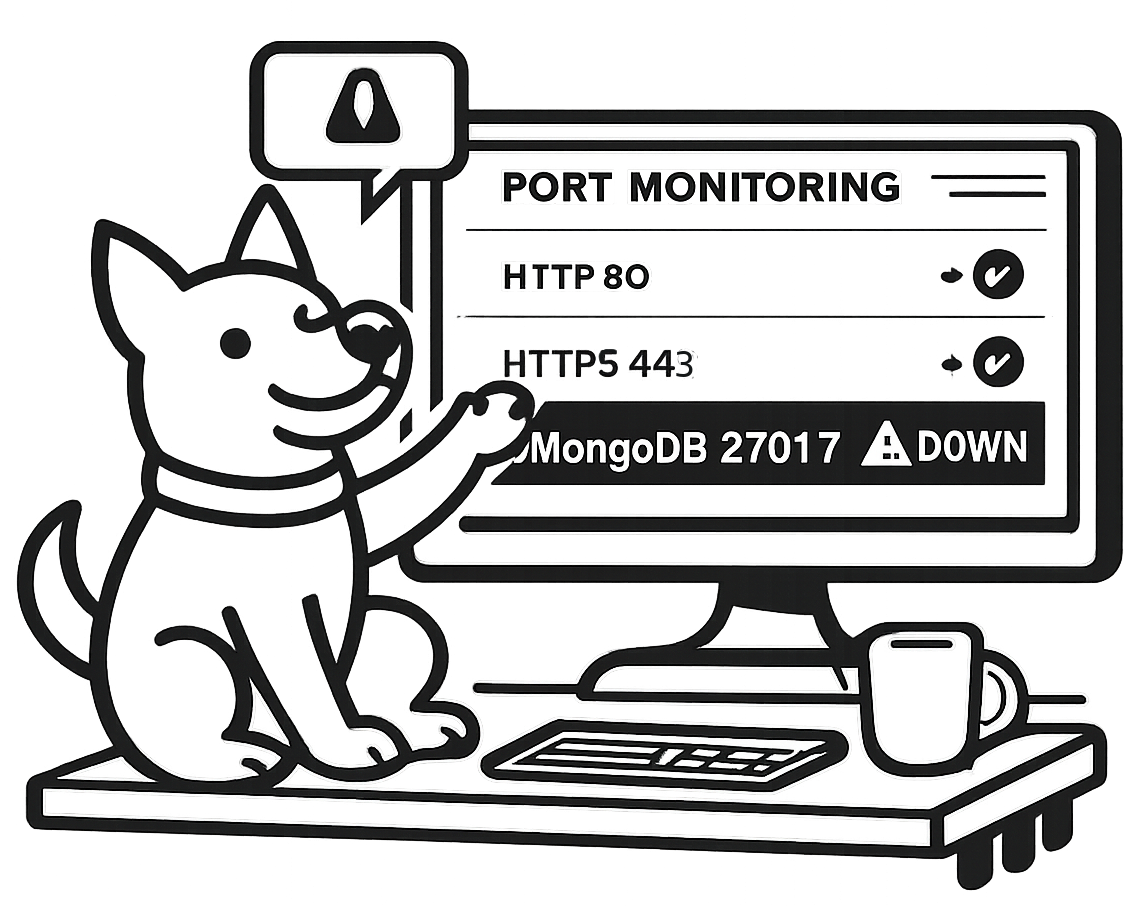
Port monitoring is a fast, low-level signal: can something on the other end accept a connection? It won’t tell you everything about an outage, but it will tell you quickly when a critical service becomes unreachable.
TCP checks
Verify reachability for Postgres, Redis, SMTP, SSH, and anything else that listens on a TCP port. Simple signal, strong value.
Simple setup
Add a host and a port. UpDog runs checks on a schedule and keeps a clean history of up/down states.
Fast alerts
Get port down alerts and recovery notifications so you can fix issues before they become customer-facing.
What is port monitoring?
Port monitoring is the practice of checking that a specific TCP port is open and reachable on a host. In practical terms: if your app depends on db.example.com:5432 or redis.example.com:6379, port monitoring verifies that something can actually accept a connection there.
It matters because it gives you early warning for service outages that don’t show up on a homepage: databases, SSH access, mail relays, caches, queues, and internal APIs. When a port becomes unreachable, you usually want to know before requests start failing at the application layer.
What UpDog checks
For each port monitor, you provide a host (domain or IP) and a port. UpDog then performs a TCP connect check:
- Success = a TCP connection can be established to
host:port. - Failure = the connection is refused, times out, or can’t be routed/resolved.
This is intentionally simple. Port monitoring doesn’t authenticate, run queries, or validate application behavior—it tells you whether the service endpoint is reachable on the network.
Common ports teams monitor
A few practical examples of TCP port monitoring targets (no drama—just the things you run):
Web
80/443(HTTP/HTTPS)
Access
22(SSH)
25/587(SMTP)
Databases
3306(MySQL)5432(PostgreSQL)27017(MongoDB)
Cache
6379(Redis)
Only monitor what you operate/own.
Catch “it’s up” but not working
HTTP can look fine while a dependency is quietly failing. Port monitoring helps you detect issues that don’t always show up as a 500 page:
- A service crashed, but the server still responds to ping.
- A firewall or security group change blocks traffic to the port.
- A load balancer listener or target group is misconfigured.
- A container is running, but not listening (or bound to the wrong interface).
- A database process is stuck and can’t accept new connections.
- A DNS change points clients at a host that isn’t serving the expected port.
Alert fast when a port goes down
When a port check fails, UpDog can alert on failures and recoveries so you don’t find out from customers (or your own dashboards) first. Pair port monitoring with higher-level checks when you need more context—port reachability is the “is anything listening?” signal.
How to set up port monitoring
- Add a host and port. Use a domain name or IP, plus the port your service listens on.
- Choose a schedule. Set how frequently UpDog should run checks (available options may depend on your plan).
- Pick alert channels. Route notifications to email and SMS, and organize recipients with notification groups.
Use cases
Database availability checks
Monitor 5432 (Postgres) or 3306 (MySQL) to catch connection outages early—especially during maintenance windows, failovers, or security group changes.
Mail server ports (SMTP)
Keep tabs on 25 / 587 so you notice relay reachability issues before emails back up in queues.
SSH access monitoring
Monitor 22 to catch lockouts caused by firewall changes or networking issues—useful when you rely on SSH for emergency access.
Cache reachability (Redis)
Monitor 6379 so you know when your cache is unreachable and your app will fall back to the database (or start timing out).
FAQ
Is this TCP or UDP?
UpDog port monitoring is TCP-based. A check is considered successful when UpDog can establish a TCP connection to the host and port you specify.
What’s the difference between port monitoring and HTTP monitoring?
Port monitoring verifies network-level reachability: can a TCP connection be made to host:port. HTTP monitoring goes further by making an HTTP(S) request and checking status codes, redirects, and (in some setups) content.
What does “connection refused” mean vs “timeout”?
“Connection refused” usually means the host is reachable but nothing is listening on that port (or it’s actively rejecting connections). “Timeout” often points to routing, firewall drops, packet loss, or a service that can’t accept a connection within the allowed time.
Can I monitor a port on an internal/private network?
UpDog can only check what it can reach from its check locations. If a service is only reachable on a private network, you’ll need a safe way to expose that endpoint for monitoring (for example through an allowlisted ingress) or monitor it from within your network using your own tooling.
How do I reduce false alerts?
Start with a reasonable check schedule, and avoid extremely aggressive timeouts. If you see intermittent flakiness, consider pairing port monitoring with an HTTP check for more context, and verify that your firewall rules aren’t rate-limiting or blocking monitor traffic.
What ports should I monitor for my stack?
Monitor the ports your production traffic depends on: web (80/443), databases (5432, 3306), cache (6379), mail (25/587), and any internal APIs you expose over TCP. Keep the list tight—monitor what you’ll actually respond to.
Does this scan for open ports?
No. UpDog doesn’t scan ranges of ports or discover services automatically. You specify the exact host and port you want checked.
What happens when the port comes back up?
UpDog records the recovery event and can send a recovery notification to your configured alert channels. That makes it easy to close the loop (and stop digging) once the endpoint is reachable again.
Can I monitor IPv6?
If your host has an IPv6 address and DNS resolves correctly, it may work depending on the network path from UpDog’s check locations. If you rely on IPv6-only services, validate with a test monitor and keep a fallback check for IPv4 where applicable.
How often do checks run?
Checks run on a schedule. The available intervals depend on your plan and monitor settings; common options are 1, 5, or 10 minutes.
What should I do when I get a port down alert?
Treat it like a reachability problem first: confirm the host resolves, validate security group/firewall rules, and verify the service is listening on the expected interface and port. If the port is open but users still see issues, add an HTTP check or an application-level health check for deeper visibility.
Is port monitoring enough to prove a service is healthy?
Port monitoring is a great “can I connect?” indicator, but it doesn’t validate authentication, queries, or business logic. For higher confidence, pair it with endpoint monitoring (HTTP) and your service’s own health checks.