Kubernetes CronJob monitoring
Kubernetes makes scheduling easy. It also makes failure easy to miss: pods stuck pending, image pulls failing, RBAC changes, or cluster contention. UpDog heartbeat monitoring alerts when a CronJob doesn’t complete on schedule.
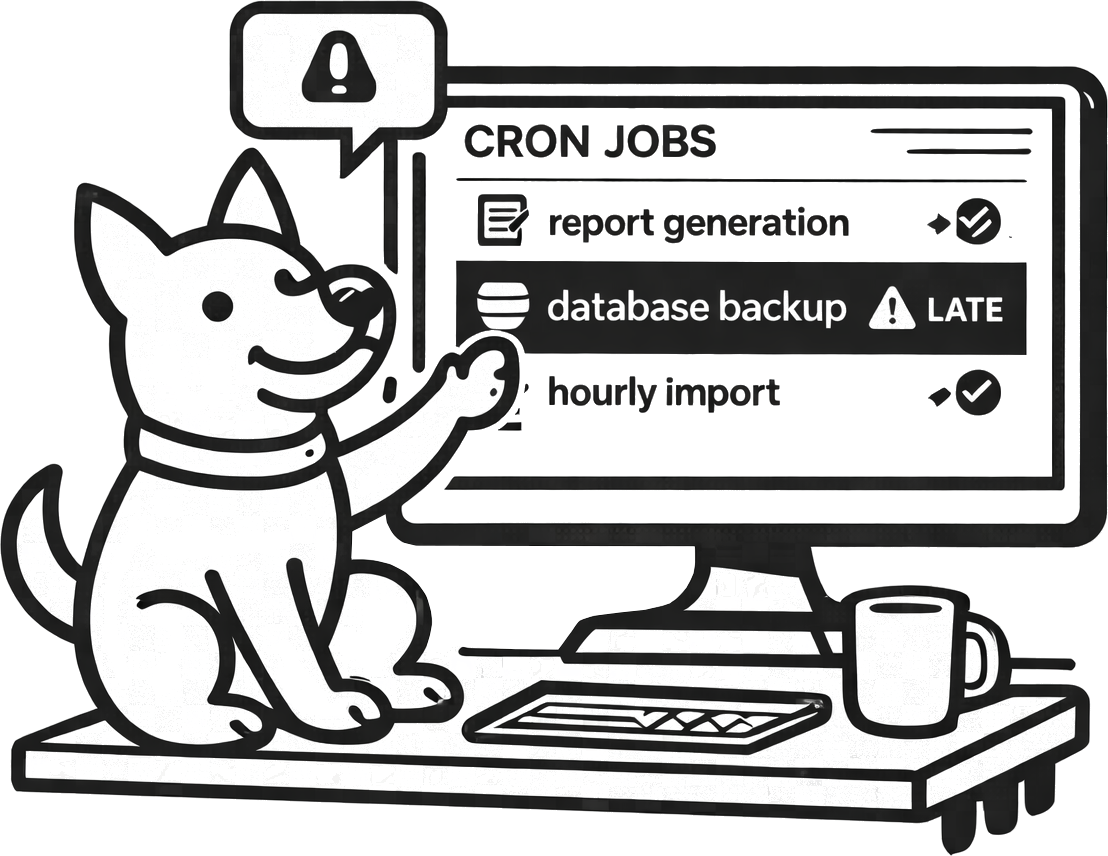
What you can do with UpDog + Kubernetes CronJobs
- Alert when a CronJob doesn’t run (missed check-in).
- Alert when it runs late (cluster backlog, scheduling delays).
- Keep alerts specific by monitoring one heartbeat per critical CronJob.
How to set it up (step-by-step)
- Create a heartbeat monitor in UpDog for a specific CronJob schedule.
- Copy the check-in URL.
- Update the CronJob container command to ping UpDog after success.
- Set an interval and grace window based on your schedule and typical runtime.
- Test by running the job manually and confirming the check-in appears.
Example: ping from a CronJob container
command:
  - /bin/sh
  - -c
  - |
    ./run-job.sh \
      && curl -fsS https://updog.watch/heartbeat/your-check-in-url
Ping only after the job succeeds. If it fails, you want the heartbeat to be missed.
Best practices
Add buffer for scheduling delays
Kubernetes scheduling isn’t instant during contention. Add a grace window so normal cluster variation doesn’t cause false alarms.
Route alerts by impact
Not every CronJob needs escalation. Use email or chat for low urgency. Reserve on-call/SMS for critical jobs only.
Name monitors clearly
Include namespace + job name + environment. If you need kubectl to interpret an alert, the alert is too vague.
Troubleshooting
- No check-ins: confirm curl is available and egress DNS/network is allowed from the pod.
- Late check-ins: check cluster contention, image pull delays, and job runtime.
- Too many alerts: increase grace windows or reduce alert routes for non-critical CronJobs.
- Check-in works locally but not in cluster: inspect NetworkPolicy, outbound firewall rules, and DNS.
FAQ
How do I monitor Kubernetes CronJobs?
Ping a UpDog heartbeat URL after job success and alert on missed/late check-ins.
What expected interval should I use?
Match the schedule and add buffer for cluster delays.
Can heartbeat monitoring catch jobs stuck pending?
Yes. If the job never completes, it can’t send a check-in.
How do I avoid alert spam during maintenance?
Use grace windows and reroute/pause paging alerts during planned changes.
One heartbeat per CronJob?
Yes for critical jobs. It keeps alerts specific and actionable.
Related features
Related use cases
- Celery Beat monitoring – Python background task monitoring
- Laravel Scheduler monitoring – PHP scheduled task monitoring
- Heartbeat monitoring – General cron job and worker monitoring
- All use cases
Know when scheduled workloads break
Heartbeats are the simplest reliability signal for CronJobs.