Monitor Celery Beat (and background jobs)
If Celery Beat stops scheduling tasks, you often won’t know until data is wrong or customers complain. UpDog heartbeat monitoring gives you a clean signal: the task checked in on time (or it didn’t).
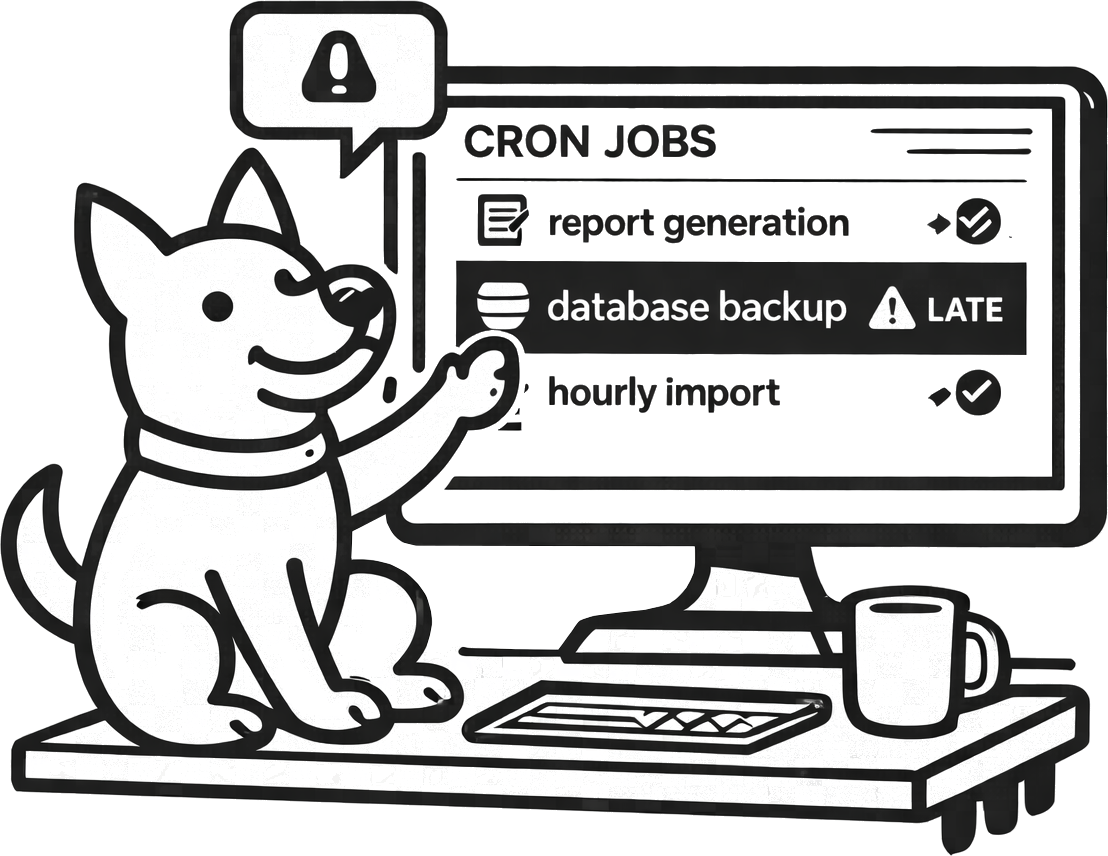
What you can do with UpDog + Celery
Celery’s failure modes are sneaky: Beat is running but not scheduling, the broker is unhealthy, workers are stuck, tasks are timing out, or a deploy broke imports. Heartbeat monitoring doesn’t replace logs—it replaces guessing.
- Alert when scheduled tasks stop running (missed check-ins).
- Alert when tasks are running late (backlog, slow dependencies).
- Route alerts to the right channel (email by default; on-call/SMS for critical tasks).
How to set it up (step-by-step)
- Create a heartbeat monitor in UpDog for a specific task (recommended) or for a “scheduler is alive” ping.
- Copy the check-in URL.
- Add the ping after successful completion of the task. (If the task fails, don’t ping.)
- Set an expected interval and a grace window that matches real execution time.
- Send a test run and confirm the check-in is visible in UpDog.
Example: ping UpDog after a successful task
# inside your Celery task
import requests

def run_task():
    # ... do work ...
    requests.get("https://updog.watch/heartbeat/your-check-in-url", timeout=5)
Use a short timeout. If you don’t want external calls in tasks, ping from a wrapper job after success.
Best practices
Monitor the outcome, not the intent
Ping UpDog after the task completes successfully. That turns “task was scheduled” into “task finished.”
Pick a small set of critical tasks
Not every periodic task deserves a page. Start with the tasks that impact payments, user-visible data, or core business operations.
Split by environment
Keep staging/dev heartbeats out of production routes. You want clean signal, not constant background noise.
Troubleshooting
- Missed check-ins after deploy: confirm the ping code still runs and the check-in URL is unchanged.
- Everything is late: check broker health, worker concurrency, and dependency latency.
- Intermittent misses: check outbound network/DNS from the worker environment and timeouts.
- Alerts are too frequent: increase the grace window or alert only when lateness exceeds your tolerance.
FAQ
How do I monitor Celery Beat scheduled tasks?
Add a heartbeat ping after successful task completion and alert when check-ins are late or missing.
One heartbeat per task or one for the scheduler?
Start with one per critical task. Scheduler-level heartbeats are a nice extra, but task-level heartbeats catch silent failures better.
Can heartbeat monitoring catch stuck workers or backlog?
It catches the symptom: tasks run late or stop completing. Use logs/metrics for the root cause.
How do I reduce false alarms for Celery Beat monitoring?
Use realistic schedules, add a grace window, and page only for meaningful delays.
Simplest way to add a heartbeat ping from Python?
Make a short-timeout HTTP request to the UpDog check-in URL after success.
Related features
Related use cases
- Kubernetes CronJob monitoring – K8s scheduled job monitoring
- Laravel Scheduler monitoring – PHP scheduled task monitoring
- Heartbeat monitoring – General cron job and worker monitoring
- All use cases
Catch silent background job failures
Heartbeat checks are the simplest “is the job actually running?” signal.