Heartbeat monitoring (cron job monitoring)
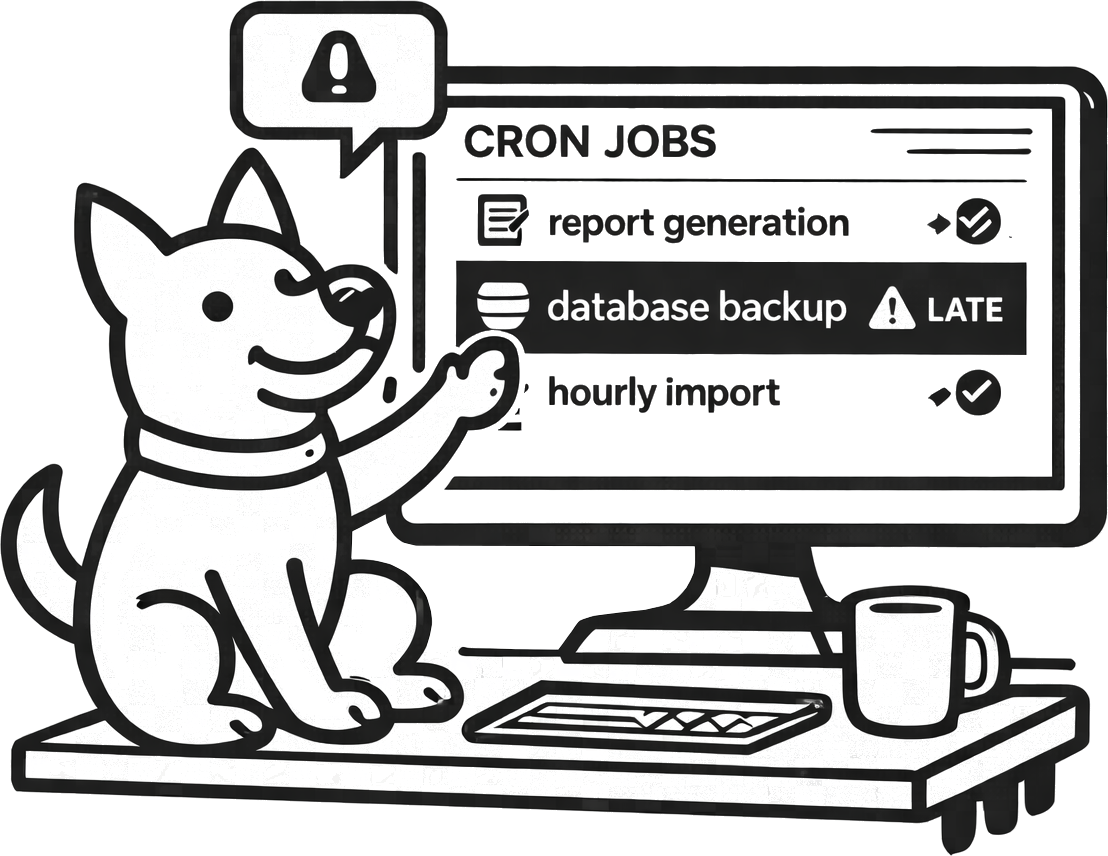
Your website can be 100% “up” while a critical job is quietly failing. Heartbeat monitoring fills that gap: UpDog expects a check-in on a schedule and alerts you when a job stops checking in or runs late.
What heartbeat monitoring is (and what it isn’t)
Heartbeat monitoring is simple: a job “pings” a unique URL on a schedule, and UpDog alerts when that ping doesn’t arrive on time. It’s ideal for cron jobs, schedulers, and background workers where the worst failure mode is silence.
It’s not a full observability platform. You won’t get stack traces or logs from a heartbeat check. You’ll get the signal that your job is late or missing—fast—so you can go investigate with the tools you already use.
What you can do with UpDog heartbeat monitoring
- Detect missing cron runs (scheduler down, credentials expired, server offline, container never started).
- Catch “runs late” incidents (queues backed up, DB locks, rate limits, slow dependencies).
- Prevent silent failures by only pinging UpDog after success.
- Route alerts by urgency to email, SMS, Slack/Teams, PagerDuty, or your own webhooks.
How to set it up (step-by-step)
- Create a heartbeat monitor in UpDog and set the expected interval (for example: every 5 minutes, hourly, or daily).
- Copy the unique check-in URL.
- Add a check-in call to your job after a successful run (for example, using
curl). - Choose where notifications should go (email for baseline, SMS/on-call for critical jobs).
- Run the job once manually and confirm UpDog records a check-in.
Example: cron job heartbeat ping
Run your real job, then ping UpDog only if it succeeds.
# /etc/cron.d/billing
0 * * * * /usr/local/bin/run-billing && curl -fsS https://updog.watch/heartbeat/your-check-in-url
Use -f so curl fails on non-2xx responses. Adjust to your environment.
Best practices
Set a realistic interval + grace window
If a job runs every hour, don’t alert at 60 minutes on the dot. Add a buffer so normal jitter doesn’t wake people up.
Name monitors like you debug
Include the environment and job purpose. If your alert says “cron” with no context, you’ve just created a second incident.
Route by severity
Put low-risk jobs in email. Reserve SMS/on-call for the small set of jobs that impact revenue, data correctness, or customer trust.
Troubleshooting
- Job runs, but UpDog shows missed check-ins: confirm the check-in call executes (and that it runs after success, not before).
- 401/403 errors on the check-in: verify you’re using the correct check-in URL and it hasn’t been rotated.
- Intermittent misses: check network egress rules, DNS resolution, and timeouts in your job environment.
- Too many alerts: increase the grace window or alert only after multiple missed intervals (for non-critical jobs).
FAQ
What is heartbeat monitoring?
Heartbeat monitoring alerts you when a scheduled job or worker stops checking in on time.
How do I monitor a cron job with heartbeat monitoring?
Create a heartbeat monitor in UpDog, then ping the provided URL from your cron job after a successful run.
Should a heartbeat ping happen at the start or end of a job?
End-of-job pings confirm success. Start-of-job pings confirm the scheduler fired. Choose based on what failure mode you care about most.
How do I reduce false alarms for heartbeat monitoring?
Set a realistic interval, add a grace window, and keep non-prod out of your critical alert routes.
Can heartbeat monitoring detect a job that runs but fails partway through?
Yes—if you only ping UpDog on success. Failures before the ping appear as missed check-ins.
What should I include in the heartbeat monitor name?
Service + job + environment. Make it readable at 2am.
Related features
Framework-specific guides
- Kubernetes CronJob monitoring – K8s scheduled job monitoring
- Celery Beat monitoring – Python background task monitoring
- Laravel Scheduler monitoring – PHP scheduled task monitoring
- All use cases
Start monitoring scheduled jobs for free
Create your first heartbeat monitor and route alerts where you respond.