Out-of-stock alerts (keyword monitoring)
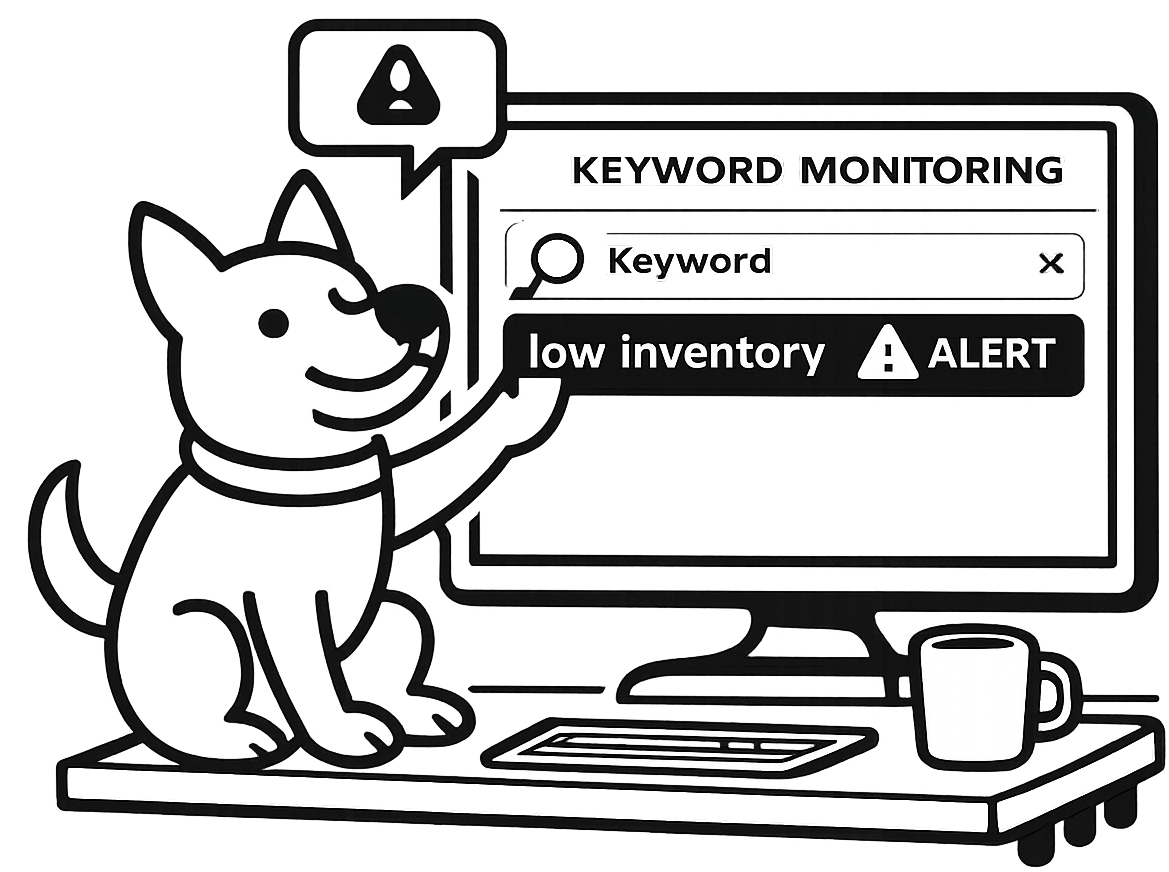
Sometimes the worst incident isn’t downtime—it’s a product page that’s “up” but saying the wrong thing. UpDog keyword monitoring helps you catch inventory and storefront issues by alerting when specific text appears or disappears.
Why out-of-stock monitoring matters
If a product flips to “out of stock” unexpectedly, customers don’t file a support ticket for your monitoring team—they just leave. Keyword monitoring gives you a high-signal alert when key storefront text changes, even if the page still returns 200 OK.
What you can do with UpDog keyword monitoring
- Alert when “out of stock” appears on a product page.
- Alert when “add to cart” disappears (a robust alternative when wording varies).
- Catch broken templates (wrong language, missing price, unexpected maintenance banner).
- Route alerts to the right people (email for baseline, chat for coordination, escalation for critical SKUs).
How to set it up (step-by-step)
- Pick the URL you want to monitor (a product page, collection page, or a dedicated inventory/status URL).
- Create a keyword monitor in UpDog.
- Choose your match condition:
- Alert when text appears: “out of stock”, “sold out”, “backorder”, etc.
- Alert when text disappears: “add to cart”, “in stock”, or another stable phrase.
- Set a check interval that matches your needs.
- Send a test by temporarily changing the page (or point at a staging page) and confirm the alert route.
Best practices
Use stable phrases
“Out of stock” is great if it’s consistently present. If your site varies language, monitor for a stable UI element instead (like the presence/absence of “add to cart”).
Monitor the most critical SKUs first
Start with the few products that are revenue-critical or high-visibility. Expand once the alerts prove valuable.
Avoid alert fatigue
Inventory changes can be expected. If “out of stock” is normal, route those alerts to a lower-noise channel or only monitor when you’re running a campaign.
Troubleshooting
- False positives: refine the keyword phrase to something more specific and stable.
- No alerts: confirm the exact text appears in the HTML response (not only via client-side rendering).
- Bot protection: if the site blocks automated requests, consider a monitoring-friendly URL or allowlisting.
- Pages vary by location: pick a phrase that’s stable across locales or monitor a region-specific URL.
FAQ
How do I set up out-of-stock alerts?
Create a keyword monitor on the product page and alert when “out of stock” appears (or when “add to cart” disappears).
Should I alert on “out of stock” appearing or “add to cart” disappearing?
Either works. Use whichever phrase is most stable on your site.
Will keyword monitoring work on JavaScript-heavy storefronts?
It works best when the text is in the HTML response. For client-rendered pages, monitor a server-rendered endpoint or a dedicated status/inventory URL.
How often should I check a product page?
Choose an interval that matches your response time and tolerance for noise.
Can I monitor multiple products?
Yes—one monitor per critical URL keeps alerts specific and actionable.
Does this track competitor prices or SEO rankings?
No. This is content monitoring, not rank tracking.
Related features
Related use cases
- Webhook endpoint monitoring – Monitor integration receivers
- Heartbeat monitoring – Monitor scheduled inventory jobs
- All use cases
Start catching content incidents
Monitor the words that matter—not just status codes.